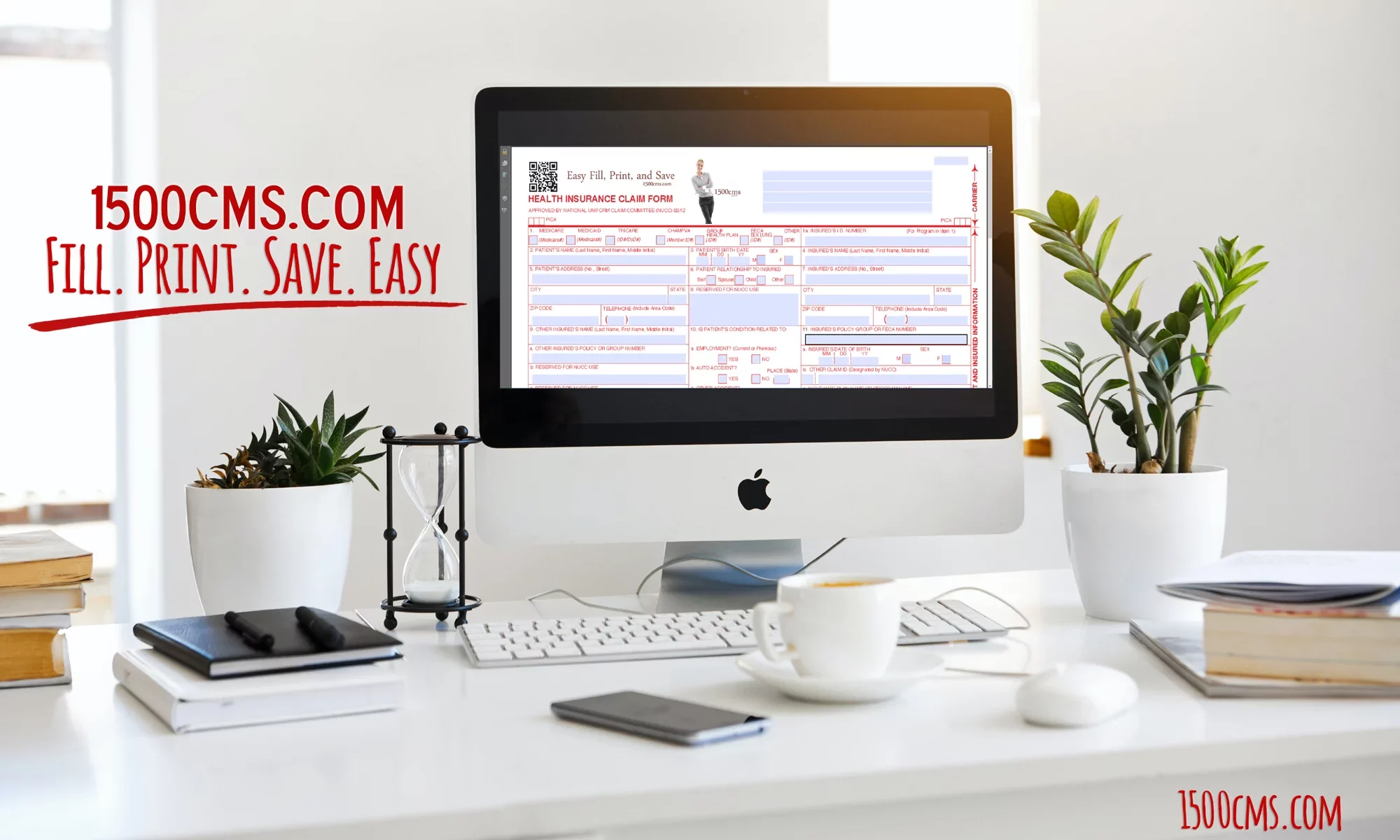
If you have ever tried to print a Health Insurance Claim Form (CMS-1500 / HCFA 02/12) only to find your patient data drifting completely outside the designated red OCR boxes, you are not alone. A single millimeter of misalignment can trigger an automatic insurance rejection, delaying reimbursement for your practice.
Before you spend hours fighting your printer properties or paying hundreds of dollars for a restrictive, cloud-based billing subscription, let’s look at why this alignment drift happens and the easiest ways to fix it permanently.
3 Reasons Your CMS-1500 Form Alignment is Off
When your text prints beautifully on standard paper but misses the grid on an official pre-printed form, the culprit is usually one of three settings:
-
Adobe Acrobat / PDF “Fit to Page” Shrinkage: By default, many PDF viewers try to scale a document to fit printable margins. If “Fit” or “Shrink oversized pages” is selected in your print menu, the software scales down the text by roughly 95%, causing catastrophic alignment drift across the page.
-
Printer Feed Roller Variance: Standard inkjet and laser printers pull paper using rubber rollers. Slight variances in how paper grips—especially on thick 20 lb bond official red forms—can cause the bottom boxes (like Blocks 24 through 33) to sit too high or low.
-
Browser-Based Printing Artifacts: Printing directly from a web browser window often injects uninvited headers, footers, or unalterable default margins that ruin precise coordinates.
The Standard Fix: Step-by-Step Calibration
If you are using manual templates or standard PDFs, try this checklist to correct your margins:
The Smarter, Permanent Fix: Stop Guessing for $29
Constantly adjusting printer properties every time your system updates is an administrative headache. If you want a clean, simple local solution that completely bypasses cloud subscription fees, 1500cms.com offers two foolproof routes:
1. The Pre-Filled Template ($29 One-Time Fee)
If your office stocks official, government-certified red OCR paper forms, this software lets you type information into a clean onscreen layout and prints only the text into the perfect coordinates. It features built-in forms calculations and holds up to 12 diagnosis codes for complete ICD-10 compliance.
2. The Blank Paper Template ($29 One-Time Fee)
Tired of buying expensive forms? If your insurance payers accept plain-paper submissions, this version prints the entire form framework (lines, grids, and text) directly onto a standard white sheet using a color printer.
PHI Security Advantage: Because 1500cms.com is a locally installed program, your patient data never travels to an external cloud server. It remains safely on your computer, giving you total control over HIPAA-compliant Protected Health Information (PHI).
Ready to Streamline Your Office Billing?
Save the $600 annual fee charged by major competitors. Download our free demo version to test your printer alignment, or pick up a lifetime license today.